ActualTests Exam Engine Features
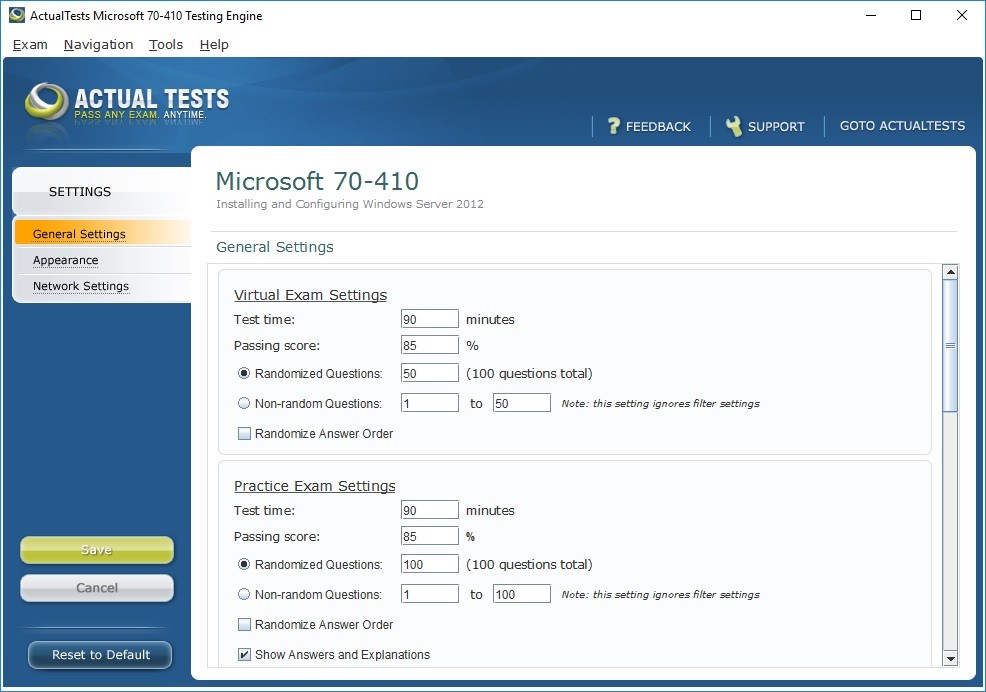
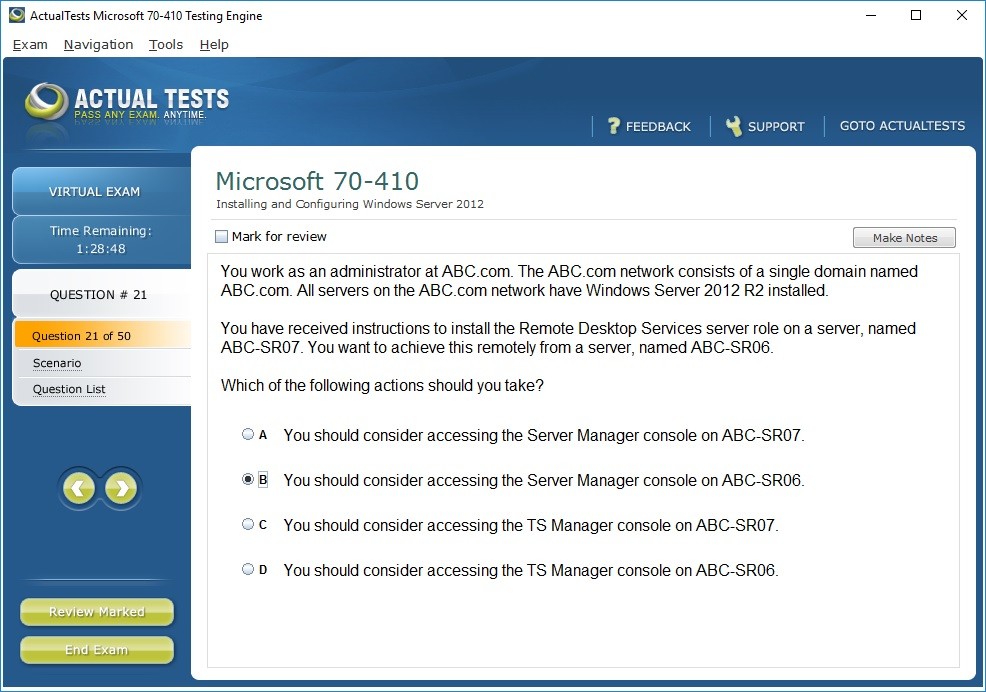
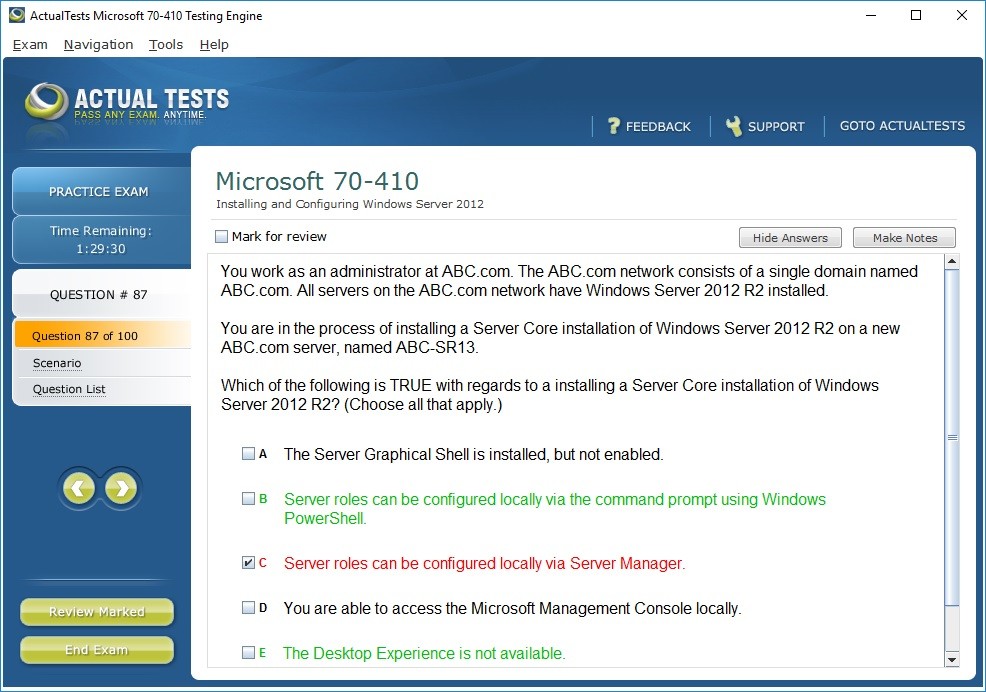
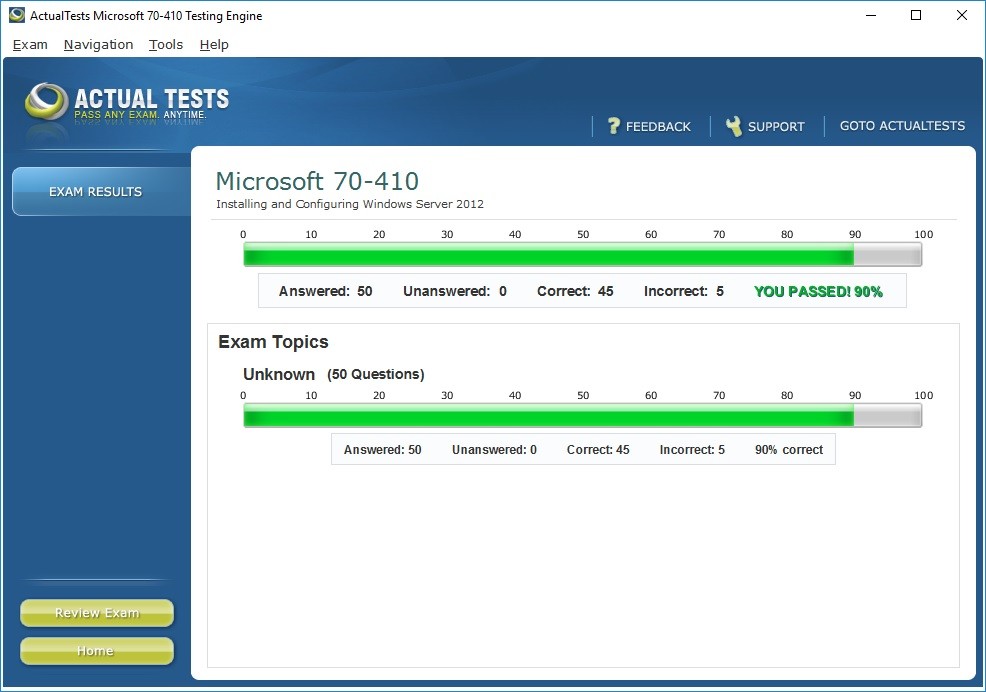
ActualTests.com Exam Engine is a downloadable MS Windows application which simulates the real exam environment. Working with the ActualTests Exam Engine is just like taking the actual tests, except we also give you the correct answers. More importantly, we also give you detailed explanations (we offer Explanations where available) to ensure you fully understand how and why the answers are correct.
Exam Engine Benefits:
- Questions cover the same topics as the real tests
- Correct answers, verified by industry experts
- Detailed explanations (we offer Explanations where available) to ensure full understanding
- Just like the real tests: drag and drop, multiple choice questions
- Simulates real exam environment
- Updated regularly, always current
- Updates downloaded directly to your Exam Engine at startup
- Can be used on your work PC and on your home laptop: each exam engine can be installed and activated on 2 computers
- Backed by our 100% Pass GUARANTEE
What does ActualTests.com offer?
For a flat monthly fee you get access to ALL exam engines!
ActualTests offers over 1200+ exam engines. Sign up for a subscription that fits your
needs and schedule. For the monthly rate you choose, you get acces to all of the exam engines that ActualTests
has.
You can choose any exam and install/activate up-to 5 different exam engines of your choice per month. When or if
you decide that you no longer need access to the exam engines you simply not renew your subscription and let it
expire.
Exam Engine is Easy to Use
Installation instructions
After purchasing ActualTests.com Exam Engine subscription you will be redirected to your ActualTests Member's Area where you can see the list of available Exam Engines.
You select the desired exam and click the 'Exam Engine' icon next to it to download the installer program. You
will see a 'Download' link, proceed to:
- Right-click on the download link, select 'Save as', and select the folder you want to save the file in. After you have downloaded the file, you will need to unzip it. WinZip (winzip.com) can do this for you. Right-click on the zip file and select WinZip->Extract here. Your product file is decompressed and waiting for installation.
- Double-click on the Product file. (It will have a name such as 640-802qa.)
- Run the installation program. Use the standard/default choices (NEXT). If this is the first time you use are installing a new ActualTests format, Java Runtime Environment (JRE) will be installed. When installation has ended you will be prompted for a ActualTests Authorization code.
- Please get back to your ActualTests Member's Area, click the 'Exam Engine' icon next to the desired exam and then click 'Request Authorization Code' button. Your ActualTests authorization code will be generated and then displayed to you in about 1-2 seconds.
- Copy the code and paste it into the installation program.
Note 1: Use CTRL-V to paste the code.
Note 2: Make sure you copy the entire authorization code.
Note 3: If it fails then click the Next button again. - ActualTests Exam Engine is now installed.
Note 1: Each exam engine can be installed on 2 PCs only (you are given 2 authorization codes). Each authorization code is valid for 1 installation only.
Note 2: You are not allowed to distribute, share or publish online ActualTests exam engine installer and authorization codes.
Get Instant Access to 1,200+ Exams
Unlimited Lifetime Access Package
-
Access any exam on the entire ActualTests site for life!
-
Our $149.00 Unlimited Access Package buys unlimited access to our library of downloadable PDFs for 1200+ exams.
-
You download the exam you need, and come back and download again when you need more. Your PDF is ready to read or print, and when there is an update, you can download the new version. Download one exam or all the exams - its up to you.
Actual Test Exam Engine
Upgrade your Unlimited Lifetime Access with our interactive Exam Engine! Working with the ActualTests Exam Engine is just like taking the actual tests, except we also give you the correct answers. See More >>
Exam Engine Examples in Action
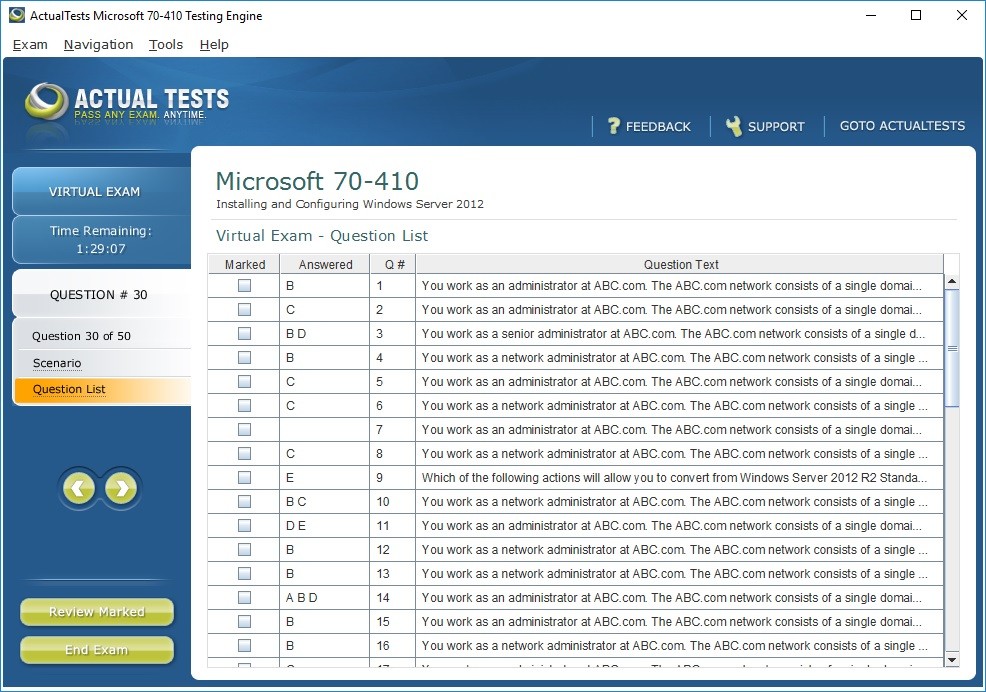
Virtual Exam
Practice Exam
Exam Summary
Exam Results
Exam Engine Settings